
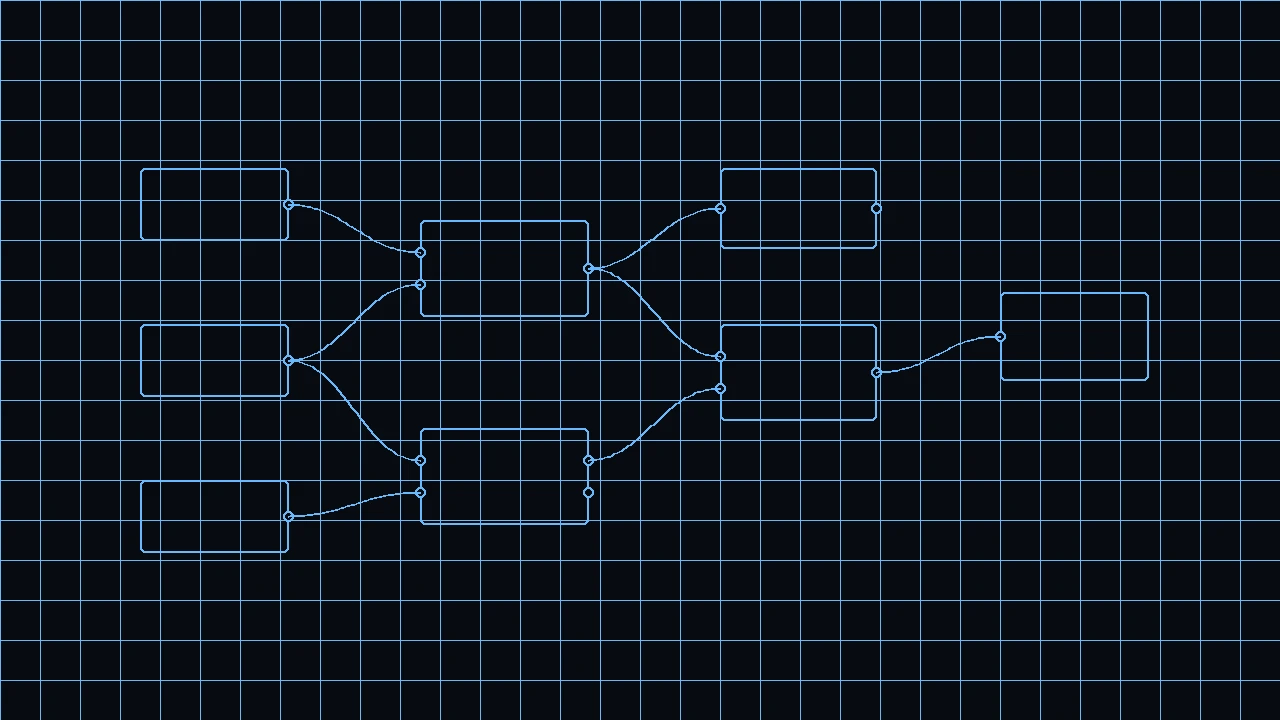
In a lot of offices the ritual is the same: someone changes a hundred door types, renames views, or builds a schedule again. The BIM model already understands Wall, Door, and Beam. What was missing was a way to tell Revit: “do this with logic, not only with clicks.”
That is Dynamo: visual programming (nodes and wires) to automate and explore design on BIM — mainly Revit, and later Civil 3D as well — without writing a full C# add-in on day one.
It is not a structural analysis engine. It does not stamp a drawing. It is the layer where the office procedure becomes a reusable graph.
The problem: Revit was not Grasshopper
By the late 2000s, anyone chasing complex form in architecture often lived between Rhino + Grasshopper (visual programming on geometry) and Revit (production BIM). Moving data from one side to the other was daily friction.
Ian Keough, then at Buro Happold in New York, framed the thesis the Dynamo team later put in its public Q&A: teach Revit to do computational design the way Grasshopper drives Rhino.
It did not start at Autodesk. It started with an engineer/computational designer tired of the manual bridge.
2009–2011: from prototype to open source
In Matt Jezyk’s account (Autodesk) in Q&A about Dynamo (dynamobim.org), Ian showed him a prototype at ACADIA 2009. Then came a move to Los Angeles, work at Vela Systems, and the idea of opening the code.
On his personal site, Ian Keough dates Dynamo’s creation to 2011 and says he worked on it for about five years inside Autodesk.
At Autodesk University 2011, Zach Kron and Matt Jezyk taught “Parametric Supermodels” with Dynamo. In that same stretch Autodesk started putting people on the project. Dynamo shipped as open source on GitHub and drew community attention — unusual in the Autodesk world at the time.
2012–2013: Autodesk, and DesignScript enters the engine
Vela Systems was acquired by Autodesk (2012, according to Keough himself). Ian joined the Autodesk ecosystem (BIM 360 Field / related teams) and, around January–February 2013, moved fully onto the Dynamo group.
In summer 2013, Autodesk merged the Dynamo and DesignScript teams. DesignScript — a parametric language driven by Robert Aish — brought the virtual machine / engine; Dynamo brought the node interface and the deep Revit integration. In November–December 2013 (AU and Autodesk press) the merge was announced: the product keeps the Dynamo name, now with the DesignScript engine.
For a civil: the visual graph and DesignScript text stop being separate worlds. The same environment can mix nodes and code.
What a Dynamo graph is (without the jargon)
Think of a standard office procedure drawn as boxes:
- Nodes = steps
- Wires = data on the move
- Packages = libraries of nodes published by the community or Autodesk (plugins made of ready-made steps)
The value is not “knowing Dynamo.” It is turning a 40-click ritual into a graph another engineer can run tomorrow.
Packages: the office stops reinventing the wheel
The Dynamo community grew around packages: bundled nodes for repeated work (selection, geometry, Excel, coordination, and so on). The forum and the Package Manager became the equivalent of “borrow the good spreadsheet from the colleague next door,” except versioned and shareable.
Dynamo Player: the graph without opening the workshop
Not everyone in the studio wants (or should) edit nodes. Dynamo Player gives a simpler face: pick a graph, fill in inputs, run it — closer to “run an office macro” than to programming.
That matters on site and in production: the specialist builds the graph; the rest of the team uses it without living inside the editor.
Generative Design: from Project Fractal to Revit 2021
Dynamo does not only automate. It can also generate options.
- July 2016: Autodesk launches Project Fractal (beta) to create design options from Dynamo logic.
- 12 Nov 2018: Fractal becomes Project Refinery (local beta, with optimization goals; works with Dynamo for Revit / Sandbox). Fractal is retired in January 2019.
- 8 Apr 2020: Refinery ships as Generative Design in Revit with Revit 2021 (AEC Collection): generative studies defined with Dynamo graphs, exploring alternatives under goals and constraints.
Dynamo in Civil 3D: the corridor gets automated too
Dynamo stopped being “an architecture/Revit thing.”
- In Civil 3D 2020 the Dynamo integration appears (at first as an add-on / update).
- With Civil 3D 2020.1, Dynamo ships with the product.
- It has evolved with each release since (alignment/corridor nodes, Player, UI changes — e.g. a notable UI update in Civil 3D 2023 according to the Dynamo Primer).
For infrastructure: the same graph language can touch civil objects (alignments, corridors, and so on), not only building families. It still does not replace the engineer’s judgment or a signable hydraulic/structural model.
What you can do (real use cases)
Types and documentation in Revit
Change family parameters, rename views, build schedules, place elements by rule.
Coordination and data
Export/import tables, filter elements by level/category, prepare data for another tool.
Exploring options
Generative Design / studies with goals (when the graph and the license allow it).
Civil 3D
Automate repeated work on the infrastructure model; share graphs through Player.
A bridge to code
Python / DesignScript nodes when the visual graph runs out of room — without jumping straight to a C# add-in.
Short contrasts
| Tool | Typical role |
|---|---|
| Dynamo | Automate and explore on Revit / Civil 3D with graphs |
| Revit API (C#) | Deep add-ins, in-house products, fine control |
| Grasshopper | Visual programming on Rhino (geometry); not Revit’s production BIM |
| Excel | Tables; Dynamo can read/write, but the model lives in BIM |
Short timeline (cited facts)
| Year | Milestone |
|---|---|
| 2009 | Prototype shown at ACADIA (Dynamo Q&A account) |
| 2011 | Ian Keough dates Dynamo’s creation; AU class “Parametric Supermodels” |
| 2012 | Autodesk acquires Vela; Keough enters the Autodesk ecosystem |
| 2013 | Dynamo + DesignScript merge (summer); AU / press announcement Dec. 2013 |
| 2016 | Project Fractal (Jul.) |
| 2018 | Project Refinery (Nov.); Keough leaves Autodesk and cofounds Hypar |
| 2019 | Fractal discontinued (Jan.) |
| 2020 | Dynamo for Civil 3D (C3D 2020 / 2020.1); Generative Design in Revit 2021 (Apr.) |
| 2020s | Packages, Player, ongoing open-source + Autodesk product evolution |
Conclusion
Dynamo was born so Revit would not only be a place to draw BIM objects by hand, but a place to run logic. It started outside Autodesk, opened as open source, took in DesignScript, grew with packages and Player, and now reaches Generative Design and Civil 3D.
References
- Dynamo BIM. Q&A about Dynamo (Ian Keough / Buro Happold origins, open source, AU 2011, DesignScript merge 2013).
- Ian Keough (personal site). Biographical notes: Dynamo 2011; Autodesk; Hypar 2018.
- Autodesk / ACHR News. Autodesk Expands Building Information Modeling Capabilities (17 Dec. 2013; Dynamo–DesignScript merge).
- Dynamo BIM. Introducing Project Refinery (12 Nov. 2018; Fractal Jul. 2016 → Refinery; Fractal off Jan. 2019).
- Autodesk AEC Blog. Generative Design in Revit now available (8 Apr. 2020; Revit 2021).
- Autodesk University. Computational Design for Civil Engineers (Dynamo for Civil 3D 2020 / 2020.1; Player).
- Autodesk Help. About Dynamo for Autodesk Civil 3D.
- Dynamo Primer. The Civil 3D Connection (C3D ↔ Dynamo version table).
Evaluation and limitations
Treat the notes below as evaluation context, not as a verified calculation or code check.
Treat it as a procedure layer: reusable graphs on Revit and Civil 3D. Package versions, Player, and Generative Design still have to be checked against the office install.