
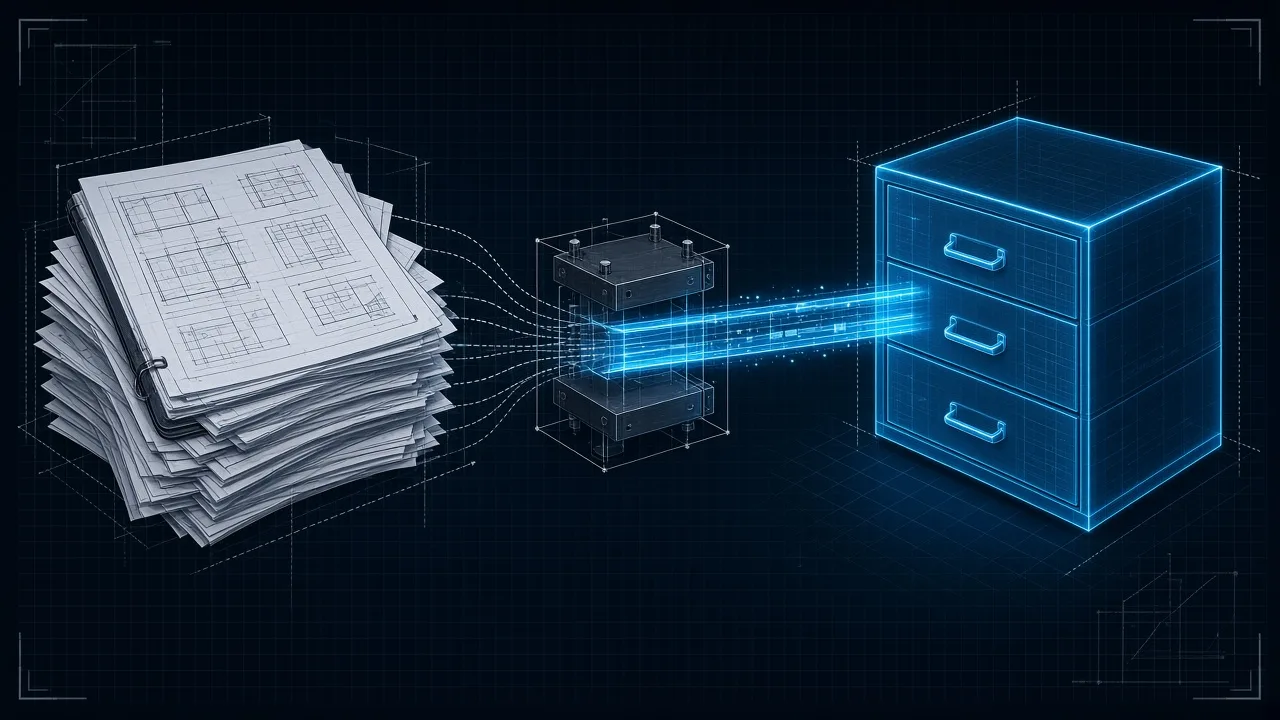
The site notebook that no longer fits on the table
The site diary starts clean. Day one: units, the assumption about the frame, which file is the good one. Day three: three corrections, a WhatsApp from the contractor, a number someone “thought they remembered.” Day ten: the notebook no longer fits on the desk. Then the site lead says: summarize. Keep the essentials. Throw away the fine detail.
That is, in harness language, what happens to an agent — or to the thread you are already working in — when the history gets too long: context compaction.
It is not that the model “gets stupid” overnight. It is that the desk has a finite size. When the conversation no longer fits, the system summarizes what was inside. It keeps the plot. It loses the page that said kN. And you, on the other side, feel that it “forgot” something it knew yesterday.
If you only have three minutes: the context window is the size of the desk; compaction is summarizing the diary when it no longer fits; the fine forgetting is the price; tools such as Engram keep a searchable store so the agent can look up what the summary left out.
This note is part of the series on the AI harness for civil engineering. It pairs with the dispatched agent: sometimes the fix is another desk, not more paper on this one.
What happens “inside” when it compacts
Imagine the agent’s desk as a drawing table with limited space. On it go: your request, files it opened, tool outputs, assumptions, errors, jokes, corrections. All of that is context. The model only “sees” what fits on that table — the context window.
When the table fills, the harness cannot keep stacking sheets forever. It compacts: it summarizes the history, collapses old turns, leaves an abstract of what happened, and frees space for the new.
Inside it feels like this:
- The essentials usually survive: “we were reviewing level 3,” “there was an IFC,” “the tool failed once.”
- Fine detail is the first to go: the exact unit, the wall ID, the code edition, the sentence where you said “do not invent data.”
- That is why it sometimes “forgets”: not necessarily because it is malicious, but because the diary summary no longer has the full page.
It is the same pain as on site when the next shift reads only the previous shift’s summary and takes a decision without the margin note.
Why it exists (and is not a product whim)
It exists because context is a limited resource. The context window — how much text, files, and traces the model can “have in front of it” at a given moment — is not infinite. Every message, every tool output, every pasted PDF occupies table.
Without compaction, a long conversation becomes unworkable: more cost, more latency, more noise, and sometimes worse quality because the model drowns in junk. With compaction, the system keeps working… in exchange for losing resolution.
In AEC that hurts more than in an ideas chat. Here fine detail is not decoration: it is unit, GUID, load combination, code version, path of the good file. Compacting badly is like sending a junior to summarize the diary and signing the summary without looking at the sheet where the kN was.
What a non-technical user feels when it happens
You do not feel a technical message that says “context compaction ran.” You feel something else.
You feel that yesterday it knew the file name and today it asks again. You feel that it “forgot” the units rule you repeated. You feel the tone changed: it improvises again, or asks for data you already gave, or mixes an old assumption with a new one. Sometimes it looks like selective amnesia. Sometimes it looks as if it “restarted” without restarting.
The frustration is human: “if it is so smart, why doesn’t it remember?” The honest answer: because what fitted on the desk was summarized. The fine memory was not in the summary. It is not broken magic; it is a compressed diary.
On the main harness thread — the desk you are already at — compaction feels like saturation of the same table. In an agent dispatched to another office with a clean folder, compaction can also happen inside its mission if that mission runs long: its site notebook has a limit too. That is why bounded missions and clear deliverables help: less infinite diary, less wild summary.
Engram and memory you can search
Here comes an idea that mitigates forgetting without pretending the window is infinite.
Tools such as Engram keep a searchable store of what was discussed: persistent, queryable memory. It is not “the whole chat pasted onto the table again.” It is a project archive the agent can go and search when the summary is no longer enough.
Office analogy: the notebook on the desk is summarized because it does not fit. But the project file — indexes, notes, findings — stays in the cabinet. When you need the detail, you do not invent: you open the cabinet and look.
That is what searchable memory adds against pure compaction:
- Compaction frees the desk (the context window).
- The searchable store keeps what the summary might lose.
- The agent can recover a fact — unit, ID, decision, path — without depending only on the abstract left on the table.
It does not make the model omniscient and it does not replace your signature. But it changes the game: forgetting by compaction stops being the only fate of everything said.
If your harness only compacts and leaves no searchable trace, you are working only with summarized diaries. If it also has persistent memory of the Engram kind, the agent can look back with a method.
For the map of the harness, read what an AI harness is. If the desk is already saturated, sometimes the hygiene is to dispatch an agent with a clean folder, not to summarize this table further.
Evaluation and limitations
Treat the notes below as evaluation context, not as a verified calculation or code check.
If a critical decision (units, code edition, file id) must survive, write it outside the chat: skill, project file, or persistent memory.